Tips for Creating a Comfortable and Productive Home Office Space

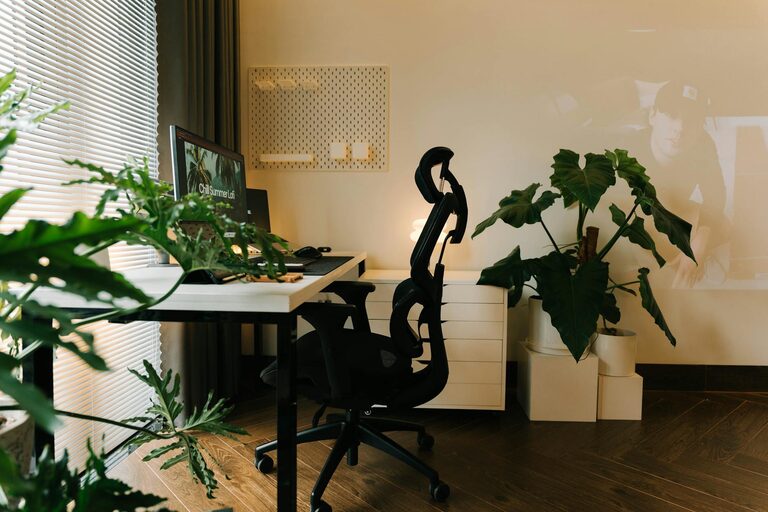
Creating a comfortable and productive home office space is essential for anyone working from home or managing personal projects. A well-designed workspace not only enhances your focus but also helps maintain a healthy balance between work and relaxation. Here are some practical tips to help you set up a home office that supports your productivity and wellbeing.
Choose the Right Location
Pick a Quiet Spot
Select a place in your home where you can work with minimal distractions. Ideally, this space should be away from busy areas like the kitchen or living room. If possible, choose a room with a door to separate work from everyday life.
Utilize Natural Light
Natural light boosts mood and energy, which can improve focus. Set up your desk near a window to take advantage of daylight. If that’s not possible, invest in good quality artificial lighting that mimics natural light.
Invest in Ergonomic Furniture
Comfortable Chair
An ergonomic chair with adjustable height and lumbar support is crucial. Sitting for long periods can cause discomfort or strain, so choose a chair that supports good posture and can be adjusted to your body.
Appropriate Desk
Your desk should fit your workspace and allow you to keep everything within reach. Consider desks with adjustable heights or standing desk options to change positions during the day.
Organize Your Workspace
Declutter Regularly
A clutter-free desk helps reduce stress and distractions. Keep only essentials on your desk and use drawers or shelves to store supplies.
Use Storage Solutions
Incorporate storage bins, file organizers, or shelves to keep papers and equipment orderly. Label storage containers for easy access.
Cable Management
Tidy cables with clips, sleeves, or under-desk trays. A neat setup reduces frustration and prevents tripping hazards.
Personalize Your Space
Add Greenery
Houseplants can improve air quality and create a calming atmosphere. Choose low-maintenance plants like succulents or pothos.
Use Inspiring Decor
Add artwork, photos, or motivational quotes that make you feel motivated and comfortable.
Control Noise
If noise is an issue, consider noise-canceling headphones or soundproofing options like rugs and curtains to soften sounds.
Optimize Technology and Tools
Reliable Internet Connection
Ensure your internet is fast and stable to avoid disruptions during virtual meetings or online tasks.
Efficient Equipment
Choose a quality computer, monitor, keyboard, and mouse that suit your work style. Multiple monitors can improve multitasking.
Keep Essentials Handy
Set up a dedicated spot for office supplies like pens, notebooks, chargers, and headphones so you can access them easily.
Maintain Good Habits
Take Regular Breaks
Step away from your desk every hour to stretch or move around. Breaks can boost creativity and reduce strain.
Set Boundaries
Establish clear work hours to help separate professional tasks from personal time. Communicate your schedule with family or roommates.
Stay Hydrated and Comfortable
Keep water close by and adjust room temperature and lighting to your preference. Comfort supports concentration and endurance.
Consider Lighting and Ambiance
Layered Lighting
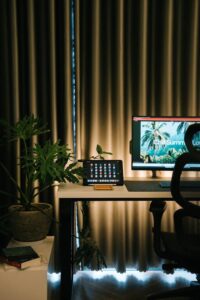
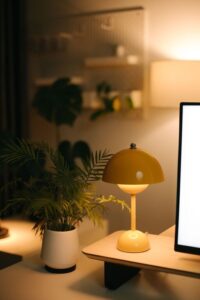
Use a mix of ambient, task, and accent lighting. For example, combine overhead lights with a desk lamp and some softer background lighting.
Reduce Glare
Position screens to avoid glare from windows or lights. Use monitor shades or anti-glare screen protectors if needed.
—
Designing a home office that works well for you may take some trial and error, but investing time in creating a comfortable and organized space is well worth it. A thoughtfully arranged home office can help you stay productive, reduce stress, and make working from home more enjoyable. Whether you have a dedicated room or a small corner, these tips can guide you toward a workspace that fits your needs and lifestyle.